


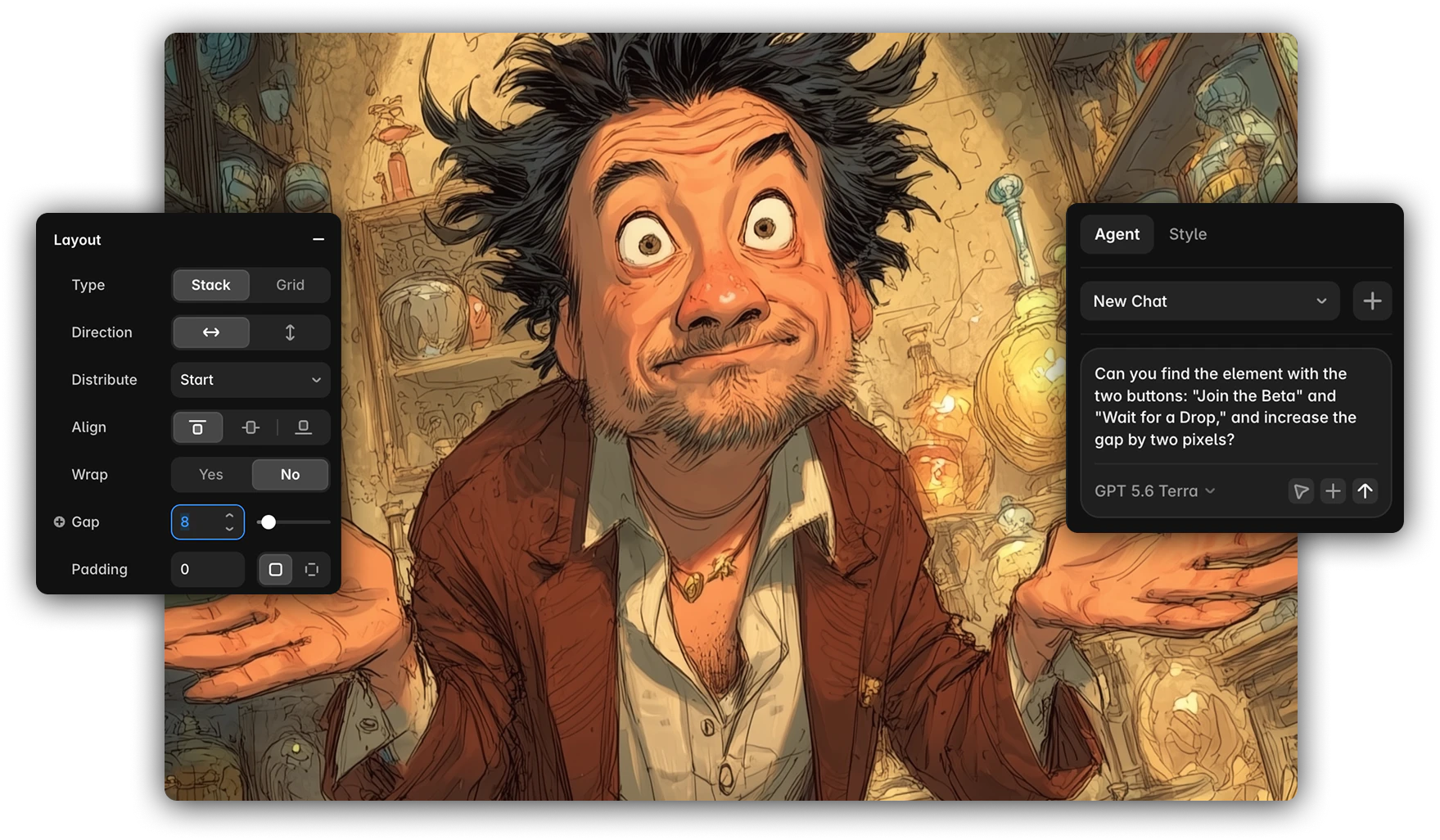
I’ve been circling this for a few weeks and I think it’s the most useful thing I’ve figured out this year: direct manipulation wins for visual decisions. Prompting wins for technical complexity. Most tools force you to pick one. That’s the bottleneck — not model quality, not designer skill, not adoption resistance.
What Framer gets right
Framer refuses to pick. Every hands-on control is intact — nudge, drag, click a swatch, all the direct-manipulation vocabulary a designer already has in their hands. There’s an agent tab. And there’s a local MCP, so you can bring whatever agent and whatever budget you want rather than being locked to theirs.
The result is that a designer and an agent can work the same project in parallel, and everything either of them touches publishes to production. No handoff. No export. No “now we rebuild this in the real stack.”
Framer only owns the website-builder niche. No apps. That’s a real limit and I’m not going to pretend otherwise. But inside that niche, it is the correct architecture, and almost nobody else has built it.
The week I tried to skip the learning curve
Last week I wrote about migrating Redacted’s UI from Figma to Sketch, and about wanting to build a Sketch-to-Rive skill so I could comp in a tool I know and let an agent carry the work into a tool I don’t.
I built the skills. They half worked. Assets came across. Structure came across roughly. Everything that made Rive worth using in the first place — the state machines, the actual interactive behavior — still needed a person who understood Rive to be sitting there.
So I gave up on the shortcut and started climbing the learning curve myself.
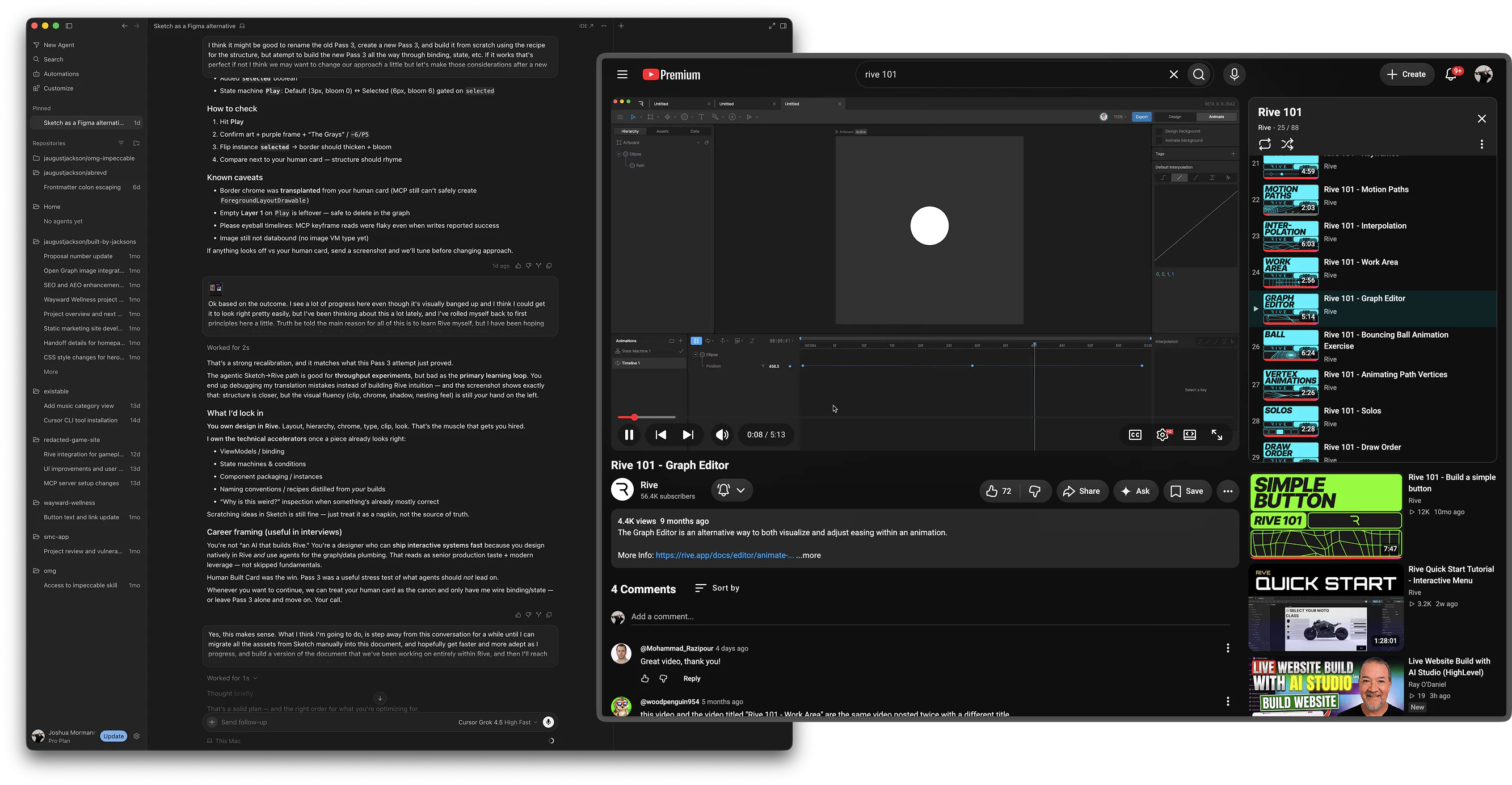
That was obviously the better move, and I want to be honest that I did it second rather than first. My instinct was to route around unfamiliarity with tooling. What I actually needed was to go read the manual.
Which, in this case, is Rive’s own Rive 101 playlist — eighty-plus videos of official training. I ingested the full transcript set so I could query it, then started working through it properly: watch a video, complete the tutorial example, and then immediately apply what I just learned to whatever piece of Redacted’s artwork it applies to. Watch, apply, repeat.
I’m considerably further from a finished Rive build than I expected to be a month ago. I’m also going to walk across that finish line rather than crawl across it, and the difference matters more than the schedule does.
What actually divides well
Here’s the division that emerged once I was inside the tool with real competence instead of trying to remote-control it:
I hand-draw the assets. Every visual decision. Shape, weight, spacing, color, the entire feel of the thing. This is the part I’m good at, the part that’s mine, and the part where explaining what I want to an agent is strictly slower than doing it.
The agent wires the technical complexity. State machines. Data binding. Input mapping. The parts where Rive’s model is genuinely intricate and where an agent that’s read the documentation is faster and more reliable than I am while I’m still learning.
That’s not a compromise. That’s the best version of both. And it’s only possible in a tool that permits both kinds of access to the same file.
Which is the problem with most design tools
Figma, Pencil, Paper — all fine design tools with real strengths. None of them is a production environment. Whatever comes out the other side still requires a development cycle to become software. You can bolt an agent onto any of them and you’ll get better mockups faster, but you haven’t removed the handoff, because the handoff is baked into what the tool outputs.
The move isn’t “teach designers to generate AI designs.” Your agent can already do that. The move is: get design tools closer to production, and get agents access to those same spaces so they can help with high-concept work, high-complexity technical work, placeholders, pattern establishment, and repetitive tasks — while the designer does the design.
About the CLI filter
There’s a strategy going around right now where design orgs push their designers into IDEs and command lines, on the theory that AI-native design work happens there and anyone who can’t follow isn’t going to make it.
I did the dev thing. I have enough of that background to move through a terminal without friction, and for a while it worked for me. So I want to be clear that my objection isn’t that it’s hard.
My objection is that it’s pointed the wrong direction. Designers who came up through Sketch and Figma are being asked to move backward — toward a development workflow that is itself being replaced. Buzz, Factory, Linear, Cursor’s agent view, Claude’s code tab: the entire industry is building UI over the top of the CLI as fast as it can. Routing designers through a terminal to reach AI-assisted work is a transitional-era answer being adopted just as the transition ends.
And as a filter it selects for the wrong trait. It doesn’t identify designers who can work effectively with AI. It identifies designers who tolerate a specific temporary toolchain. When someone on your team is asking what the difference is between Warp and VS Code, that question isn’t evidence they can’t work with AI. It’s evidence the filter is measuring something other than what you think it’s measuring.
There’s a related strategy problem worth naming too: if a meaningful share of your book is work where clients contractually prohibit AI in design, development, or deployment — and in some industries that’s a large share — then retooling your entire design org around AI-native workflows isn’t just a people problem. It’s a positioning problem you haven’t costed.
The turn
Here’s what it comes down to for me.
I spent a lot of years being art-directed on UI by clients who didn’t know what they were looking at. Junior-varsity feedback on work I understood better than they did, translated through a game of telephone, arriving as a request that missed the point.
I don’t want to be that client. When I prompt an agent for a visual change, I’m playing that exact role — describing an outcome to someone who can’t see what I see, hoping the translation survives. For technical work I don’t have in my hands, that trade is worth it. For pixels?
I don’t like being the JV client with AI for UI. I’d rather just push the damn pixels myself.
I think most designers would. And I think the tools that win the next few years are the ones that let us.